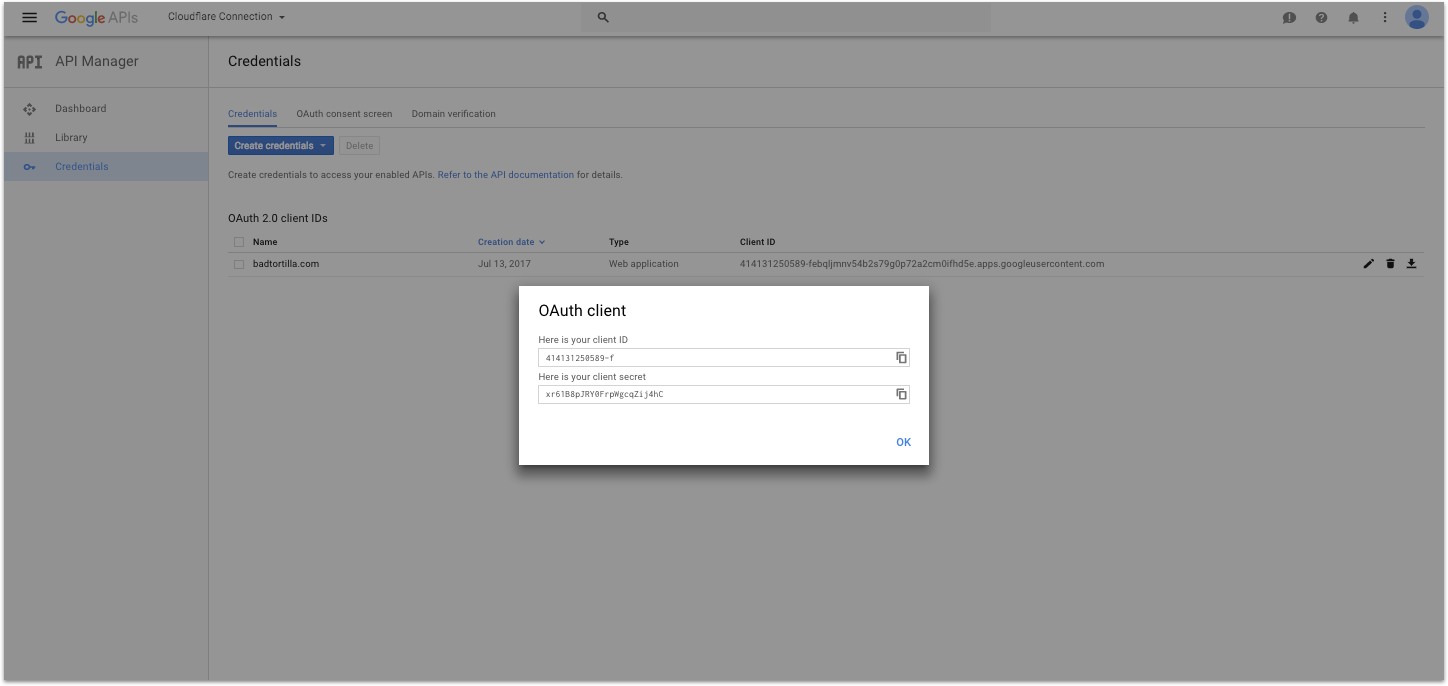
How to Create a Google Developers Project
- Sign into the API manager in the Google Cloud console.
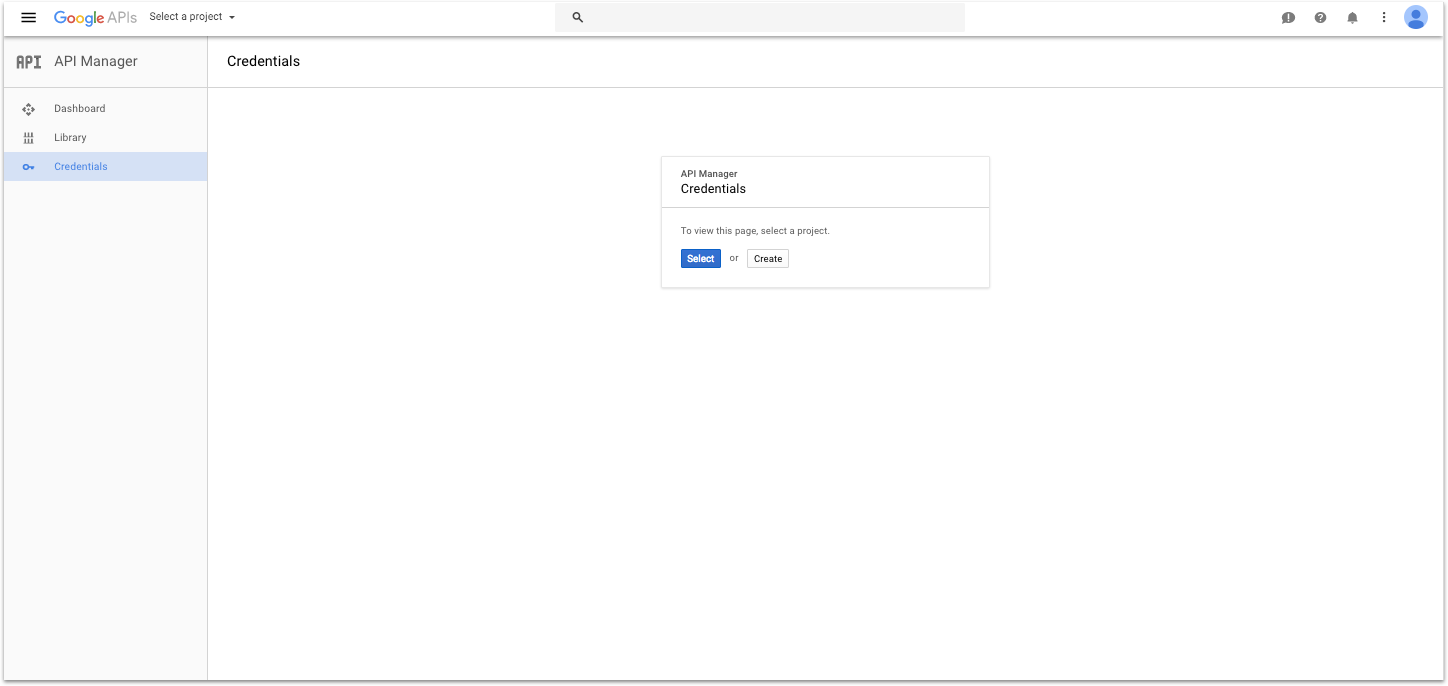
- Likely you will need to create a new project in Google Cloud, so click
Create.
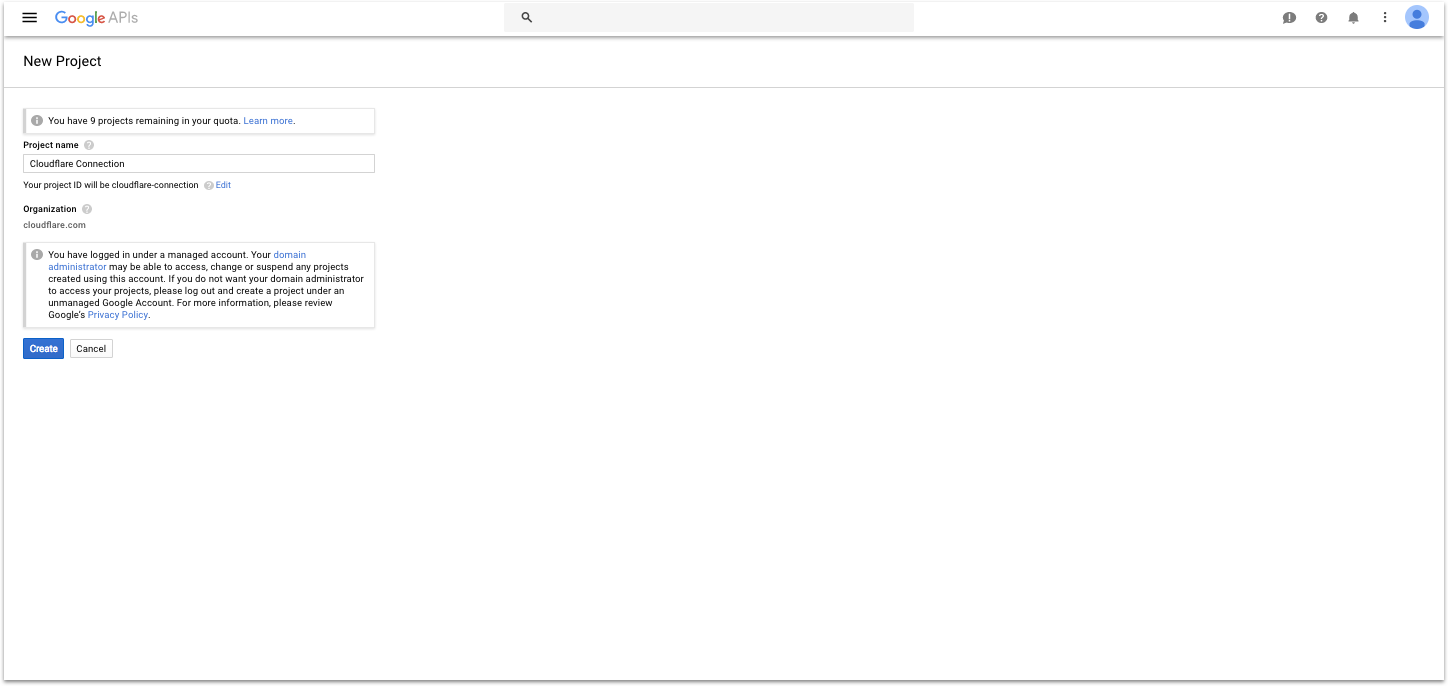
- Give your project a name, like “DataReporter” and click create.
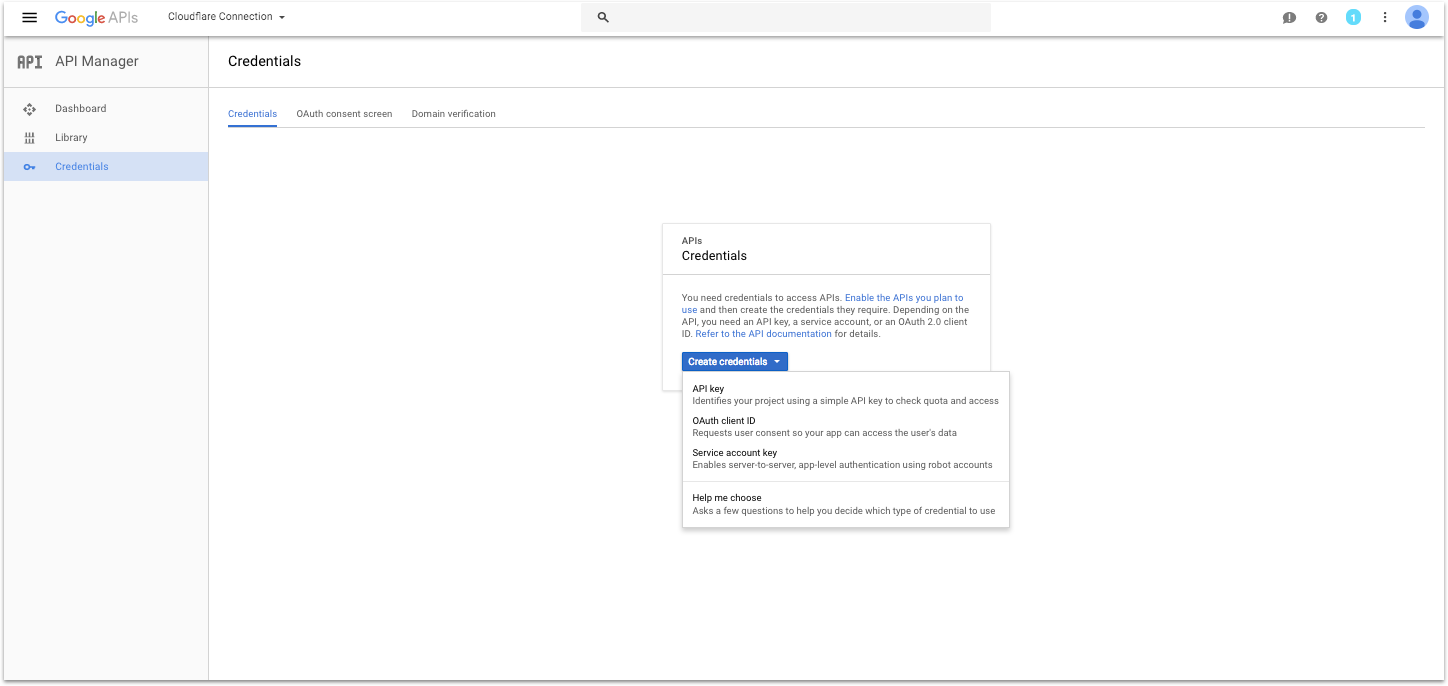
- Click
Create Credentials and select OAuth Client ID.
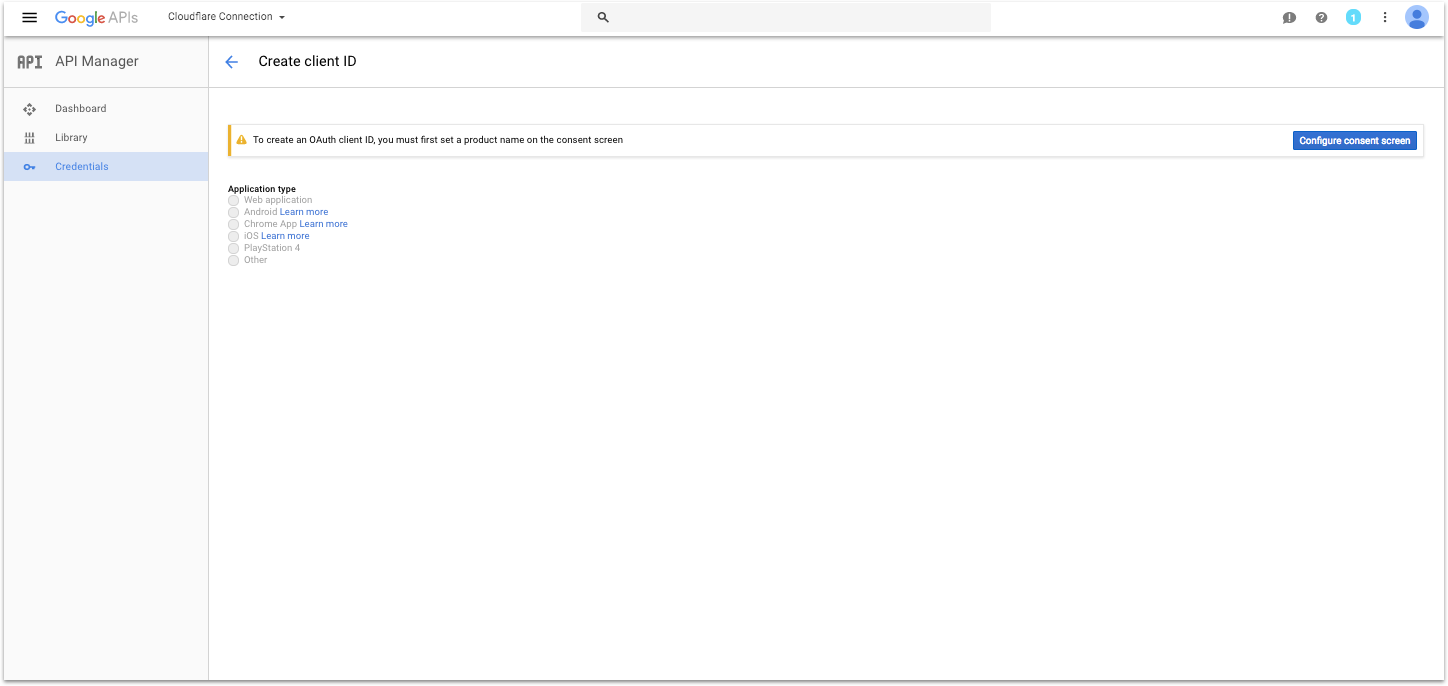
- If you see it, click on the button that says
Configure Consent Screen.
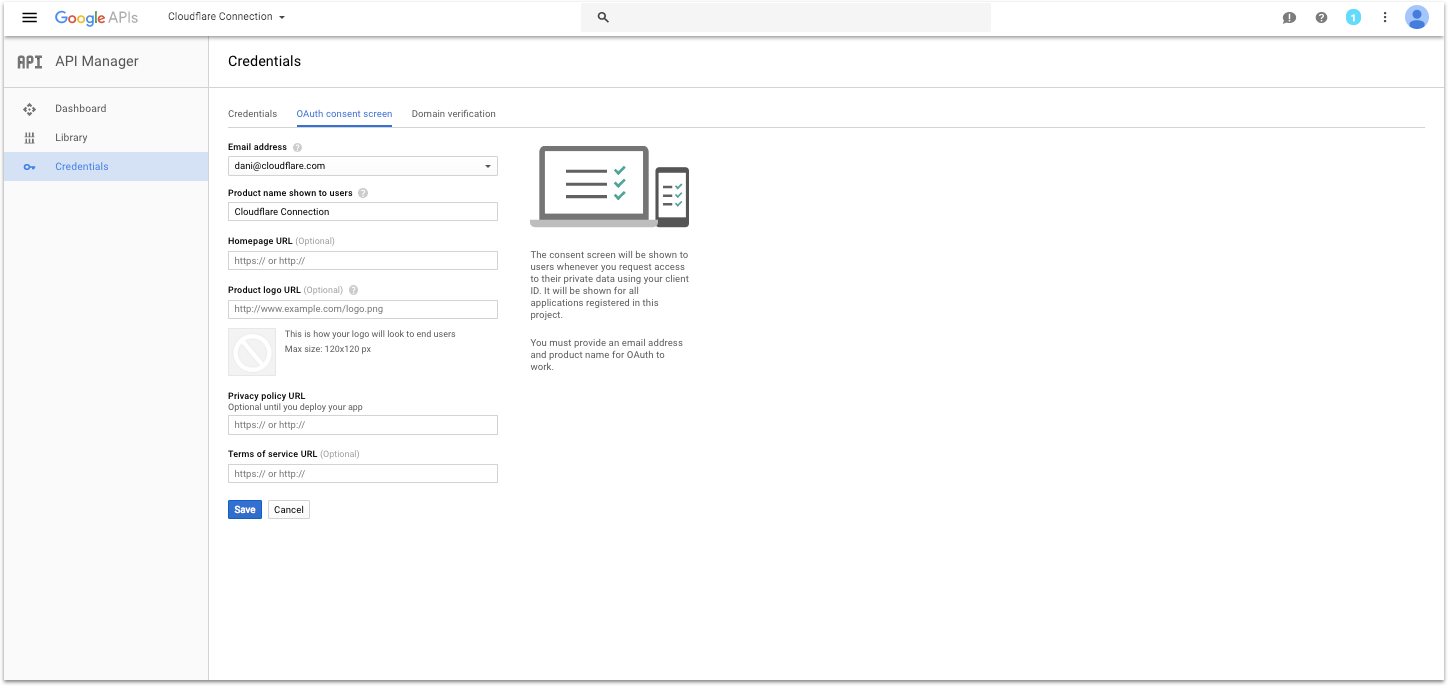
- Fill out the Product Name field and click Save. (This will be displayed to users during the sign in flow).
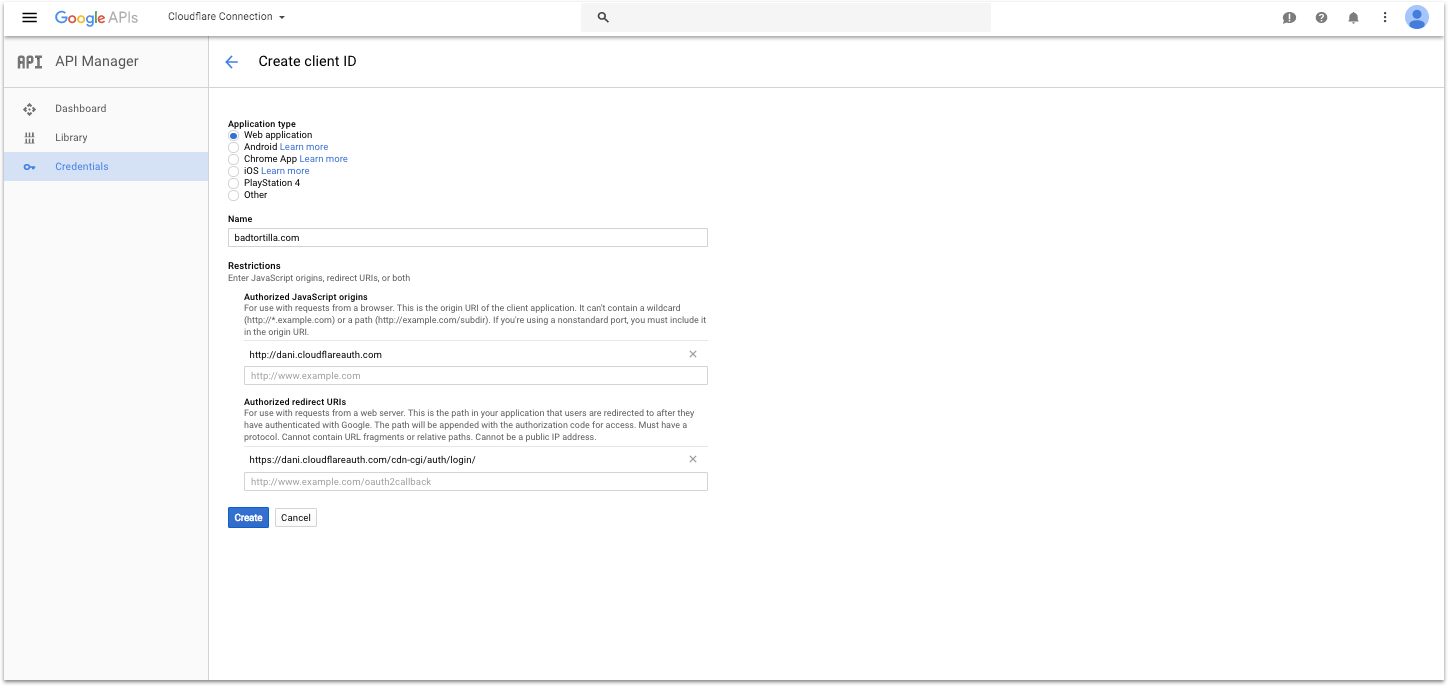
- Select the Application Type
Web Application. Give your application a name and in Authorized Javascript Origins, put the address of your DataReporter instance (something like: https://redash.acme.com).
- In the Authorized redirect URIs section, put the address of your DataReporter instance suffixed by
/oauth/google_callback (i.e. https://redash.acme.com/oauth/google_callback). Click create.
- Copy your client ID and secret and paste them in the fields on the left to finish connecting Google.