
How To Use Google Spreadsheets IMPORTDATA Function
Using the CSV URL of your query results you can easily import query results
directly into Google Spreadsheets , using the IMPORTDATA function. The
CSV URL along with the API Key, can be found when clicking on the “Show API
Key” button in the query menu:
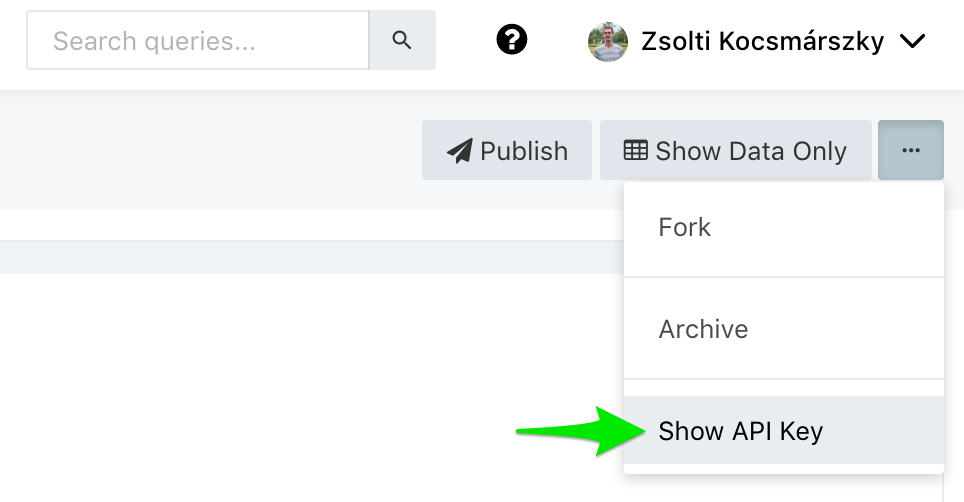
In the dialog which opens, you will find a CSV URL similar to:
https://app.redash.io/acme/api/queries/123/results.csv?api_key=secret, which
you input to the IMPORTDATA function:
=IMPORTDATA("https://app.redash.io/acme/api/queries/123/results.csv?api_key=secret")